From Text to Illustrated Story in Minutes
Five simple steps to transform your ideas into a beautifully illustrated book — powered by AI
Create or Upload Your Story
Bring your story to pintame however works best for you. Upload an existing manuscript in EPUB, PDF, TXT, or DOCX — or write directly in the built-in editor. Don't have a finished story yet? Use our AI co-writer to turn a simple idea into a fully fleshed-out narrative. Whether it's a 5-page children's book or a 300-page novel, pintame handles it all.
- Upload manuscripts in EPUB, PDF, TXT, or DOCX format
- Write your story from scratch using the built-in editor
- Use AI to generate a complete story from a brief idea or outline
- Works with any length — picture books, chapter books, or full novels
Choose Your Style
Decide the format that best suits your story — a classic illustrated book with full-page artwork, or a dynamic comic book with panels and speech bubbles. Then choose from a growing library of art styles, each crafted for different genres and moods. Every illustration in your book is rendered in a single, cohesive visual language.
- Illustrated Book — full-page artwork alongside your text
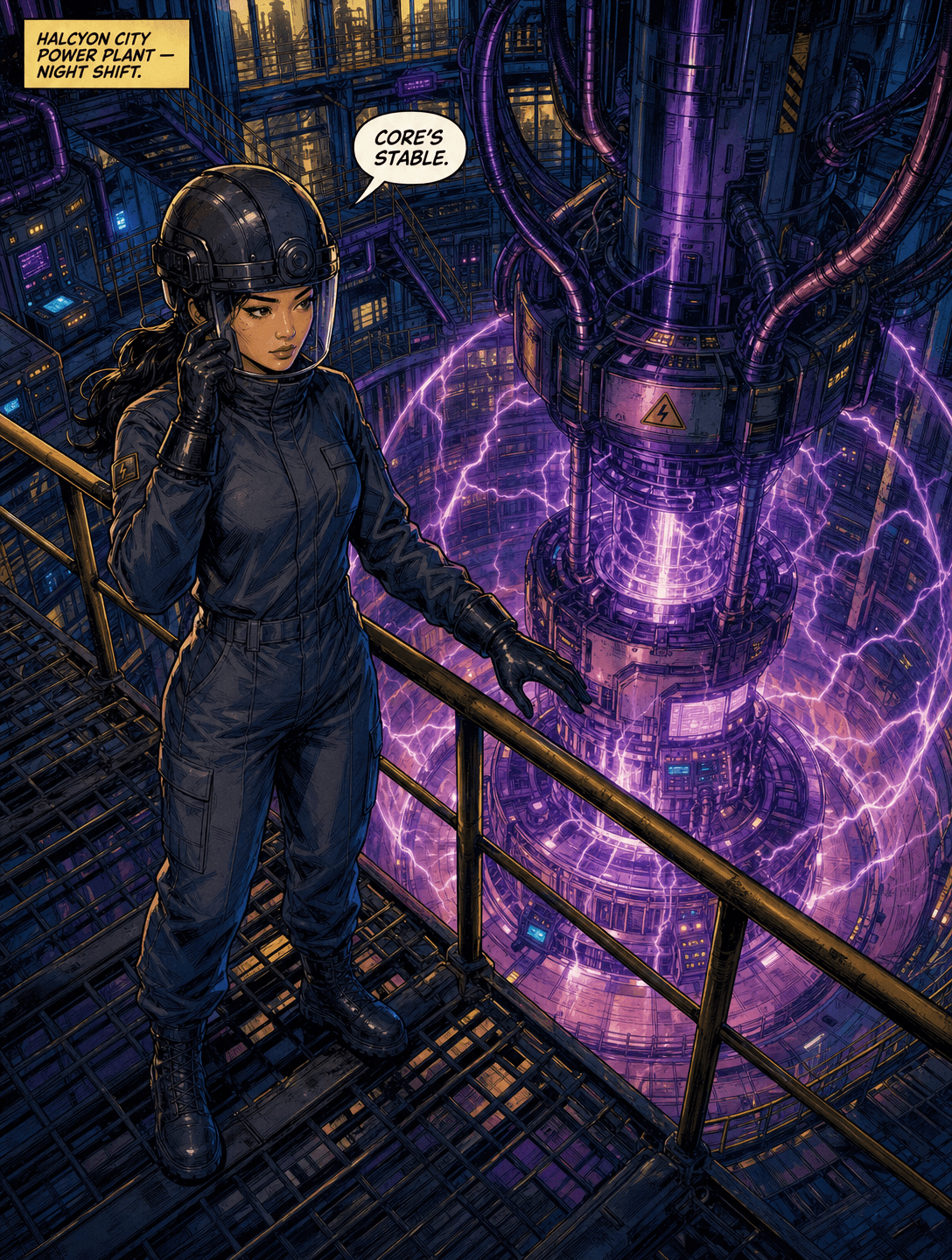
- Comic Book — panel layouts with speech bubbles and dynamic framing
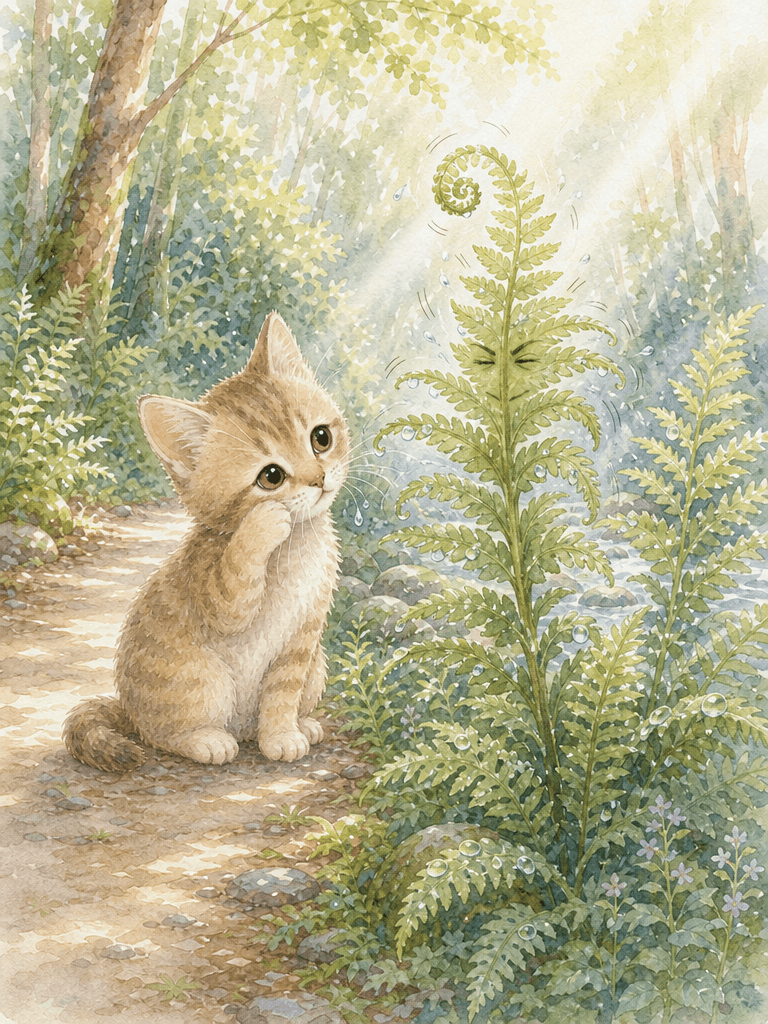
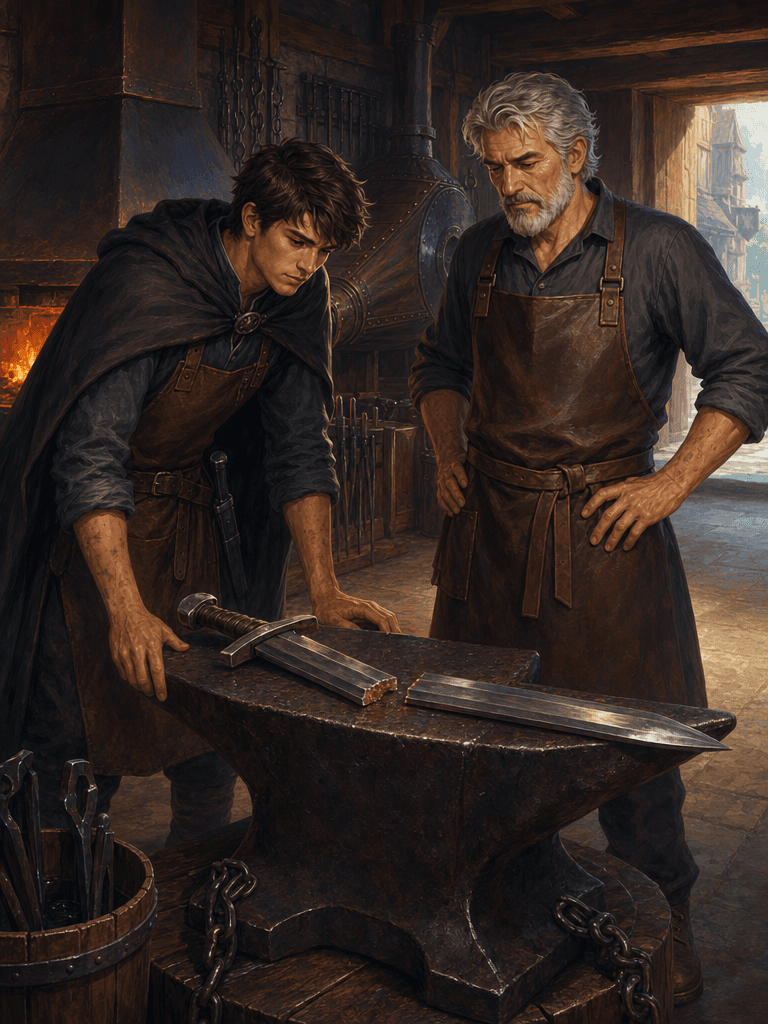
- Watercolor, Digital Painting, Heroic Comic, Storybook, and more
- Each style is fine-tuned for a specific genre and mood
Build Your Story World
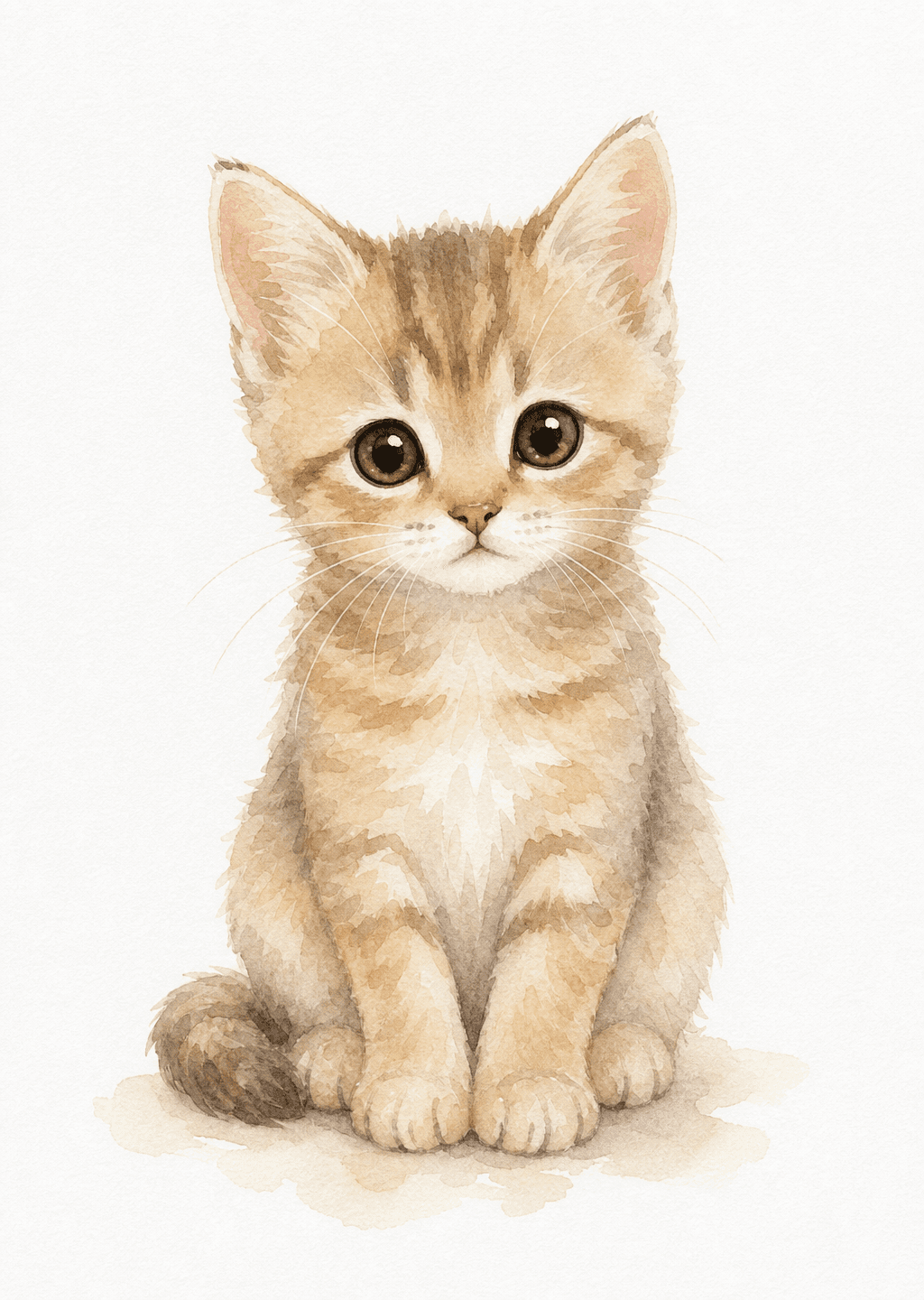
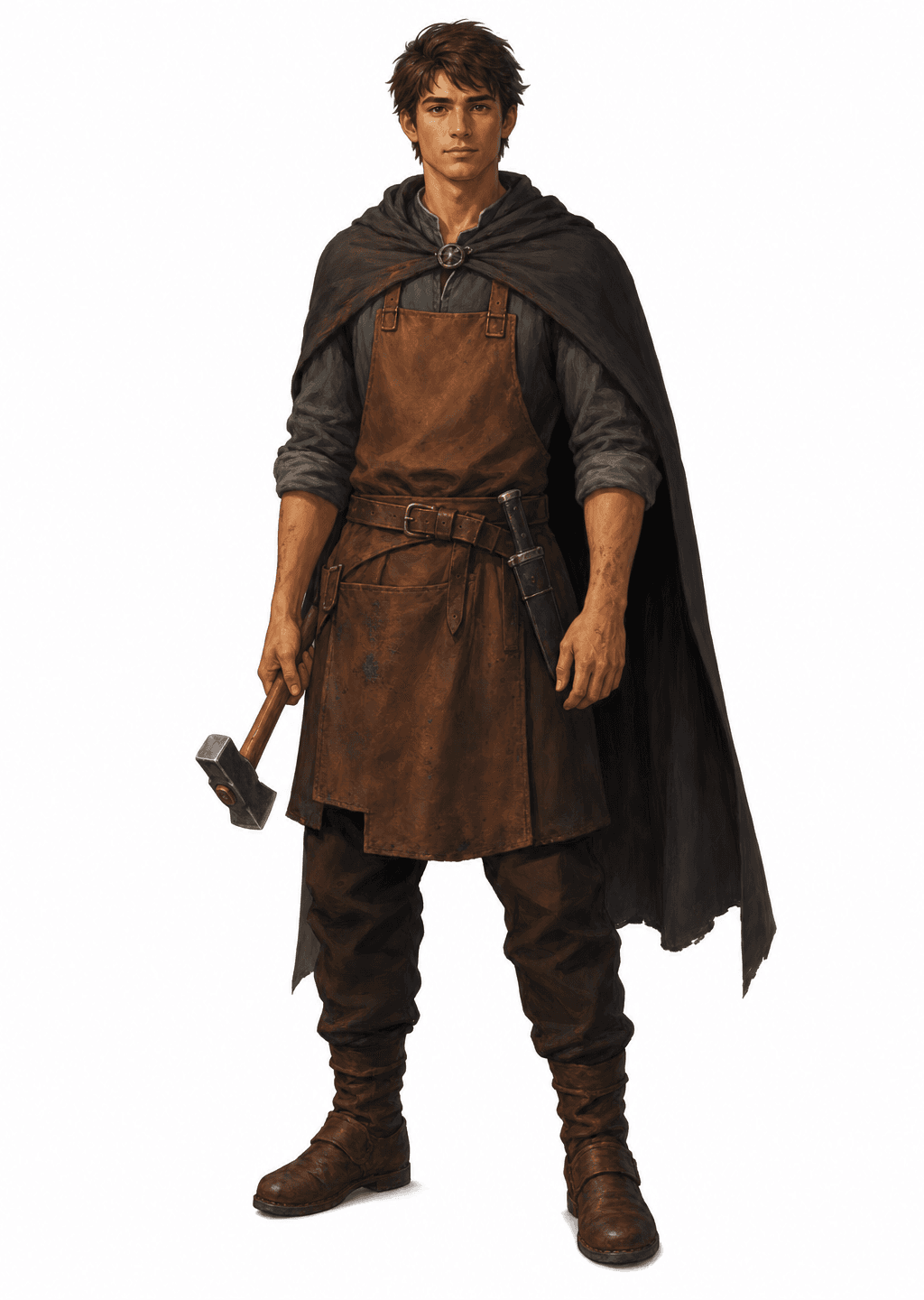
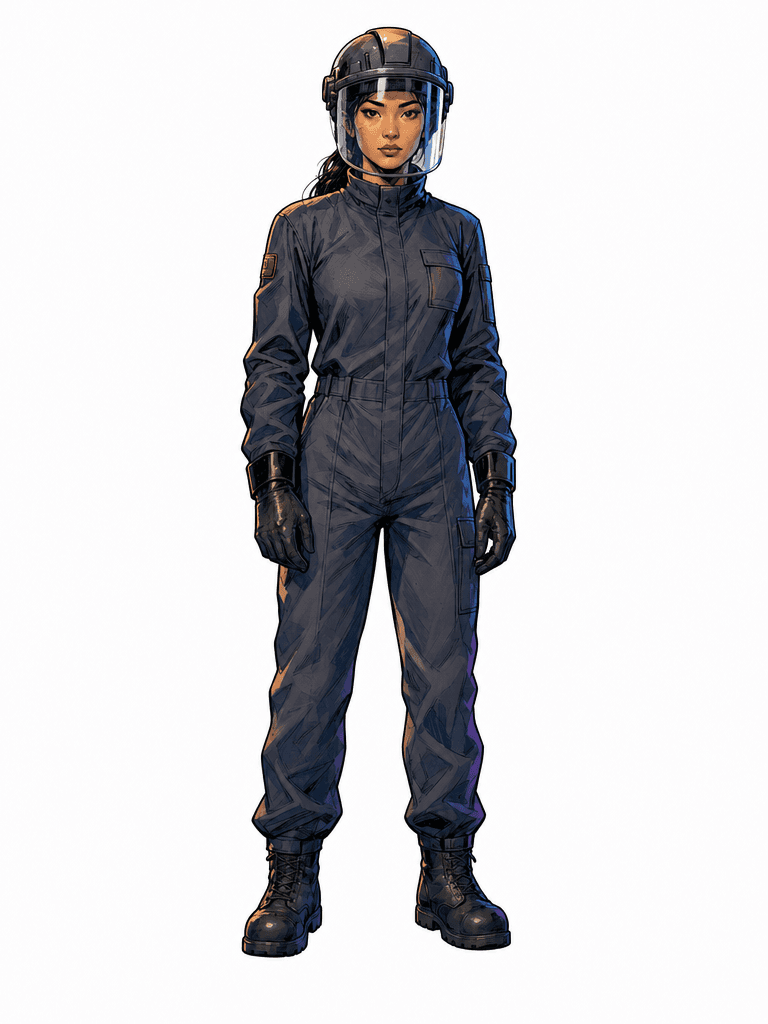
Every great illustrated book needs consistent visuals. Describe your characters, key locations, and important objects — or let pintame's AI read your story and extract them automatically. Either way, the AI builds a persistent visual identity for each element, so your characters look the same on every page.
- Describe characters manually with text or upload reference photos
- Let AI auto-extract characters, locations, and objects from your story
- Define locations — cozy bedrooms, epic landscapes, futuristic cities
- AI ensures every element stays visually consistent across all illustrations
Create Meaningful Illustrations
This is where your story becomes visual. pintame's AI analyzes the story and automatically generates detailed illustration descriptions — capturing the right characters, setting, mood, and action. Want more control? Edit any description or write your own from scratch. You decide how hands-on or hands-off you want to be.
- AI automatically generates illustration descriptions for every scene
- Edit or rewrite any description to match your exact vision
- Each description captures characters, setting, mood, and composition
- Mix and match — let AI handle some scenes, customize others yourself
Generate & Publish
Hit generate and watch your story come to life. pintame's AI creates illustrations for every scene, maintaining perfect visual consistency for characters, locations, and objects throughout your entire book. Review the results, regenerate any illustration you'd like to improve, and when you're ready — export as a print-ready PDF or EPUB for digital distribution.
- AI generates illustrations for every scene in your story
- Characters look the same on page 1 and page 100
- Regenerate individual illustrations until they're perfect
- Export as PDF (print-ready) or EPUB (digital stores)
Ready to Illustrate Your Story?
Start for free — no credit card required. Your first illustrated story is just minutes away.